How to Edit or Update an Email Footer in Evolved Office (Branding Settings)
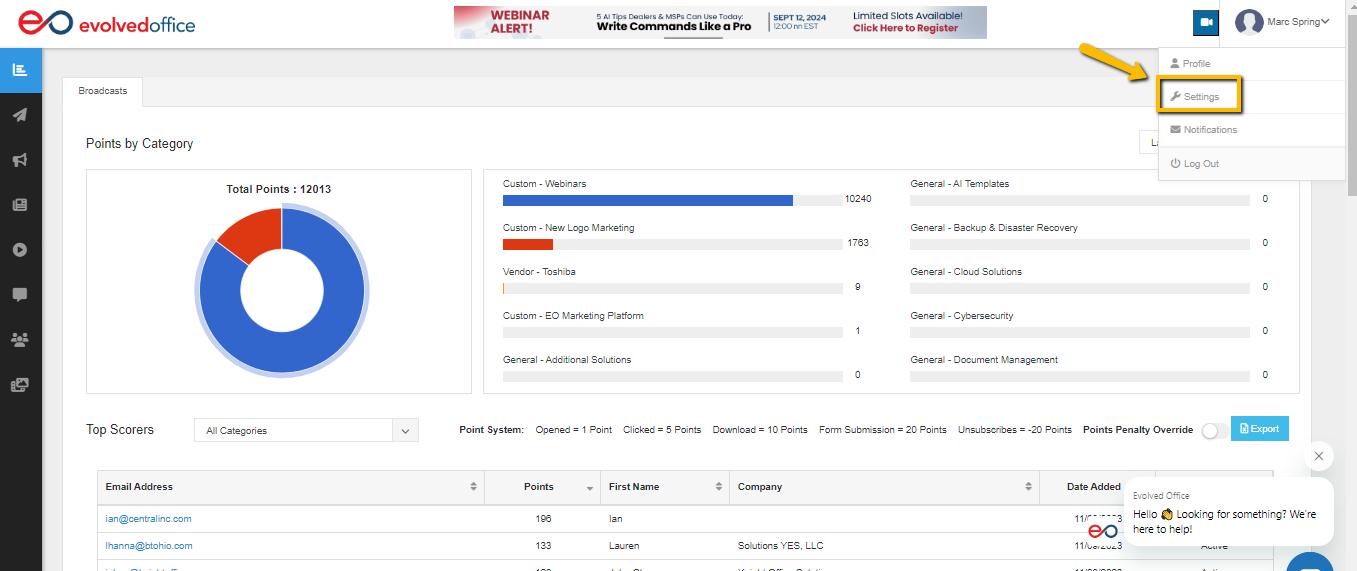
- Using the dropdown menu next to your name at the top right of any page select ‘Settings’.
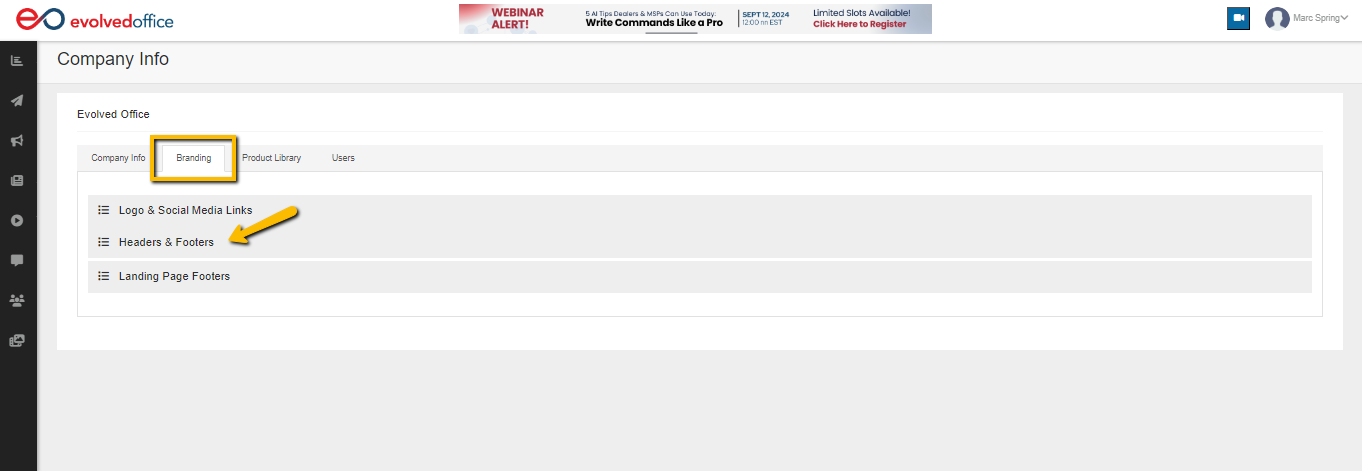
- From the Branding tab, scroll down and open ‘Headers & Footers’.
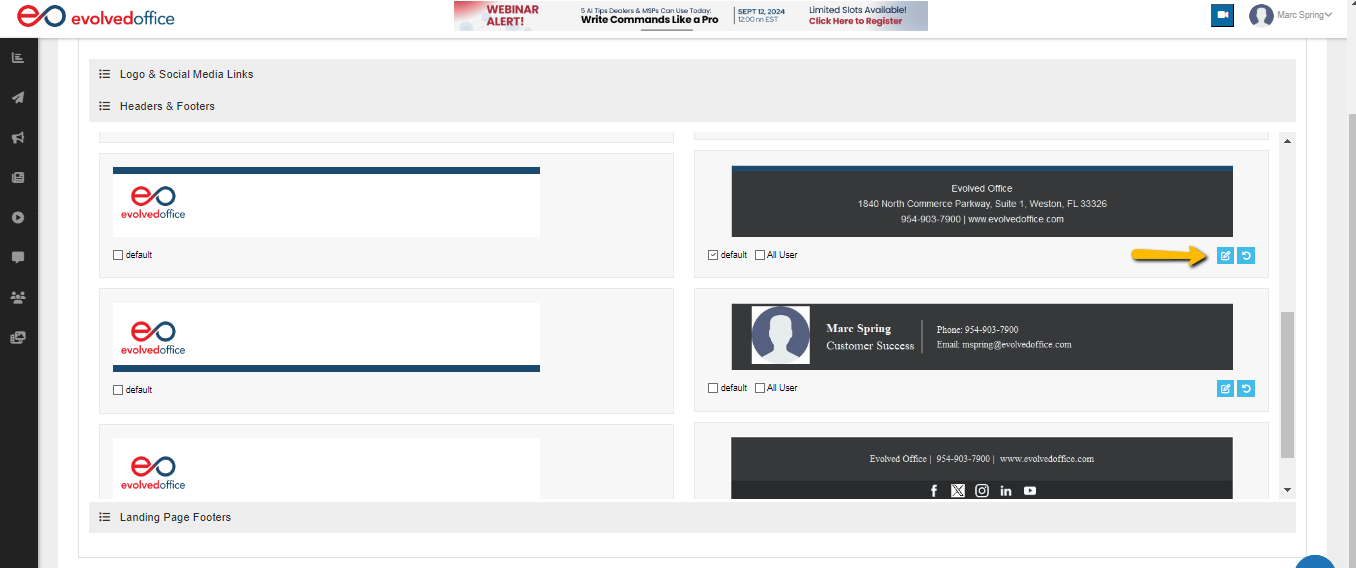
- Click on the blue edit icon under the footer you would like to edit, make your desired edits, then click ‘Update’ to save these changes.