How to Add Additional Locations or Branches in Evolved Office (Company Info Settings)
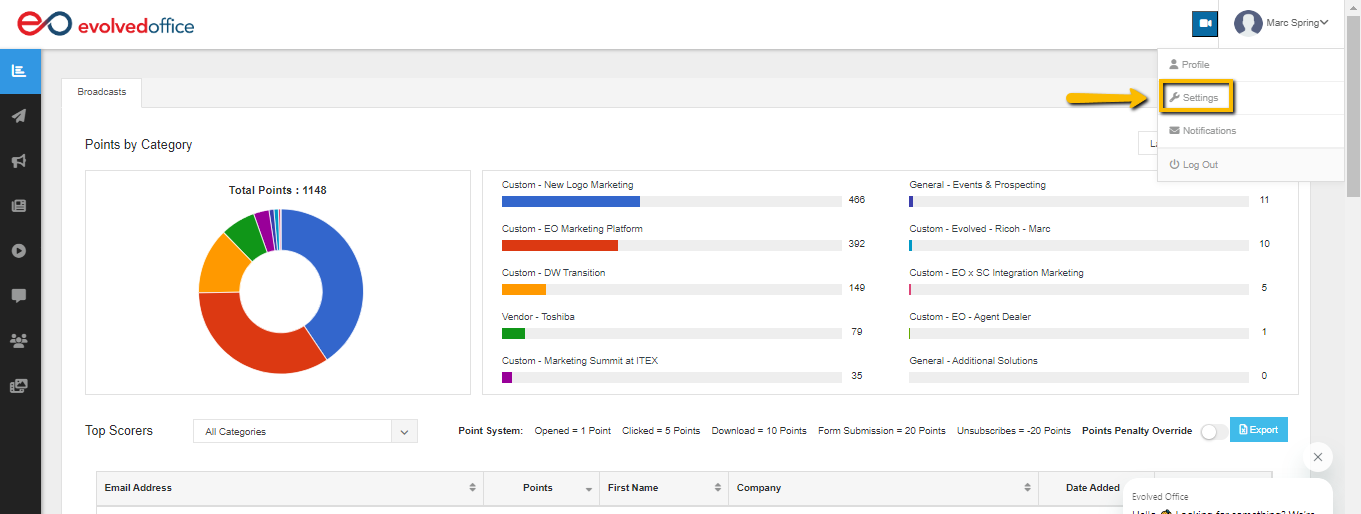
- Using the dropdown menu next to your name at the top right of any page, select "Settings".
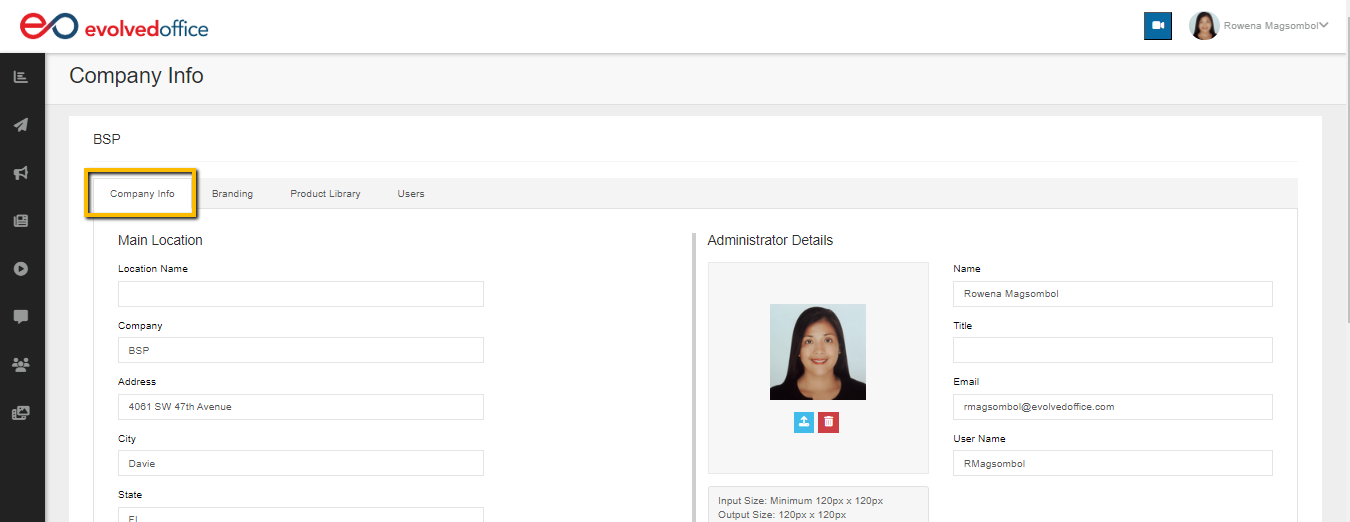
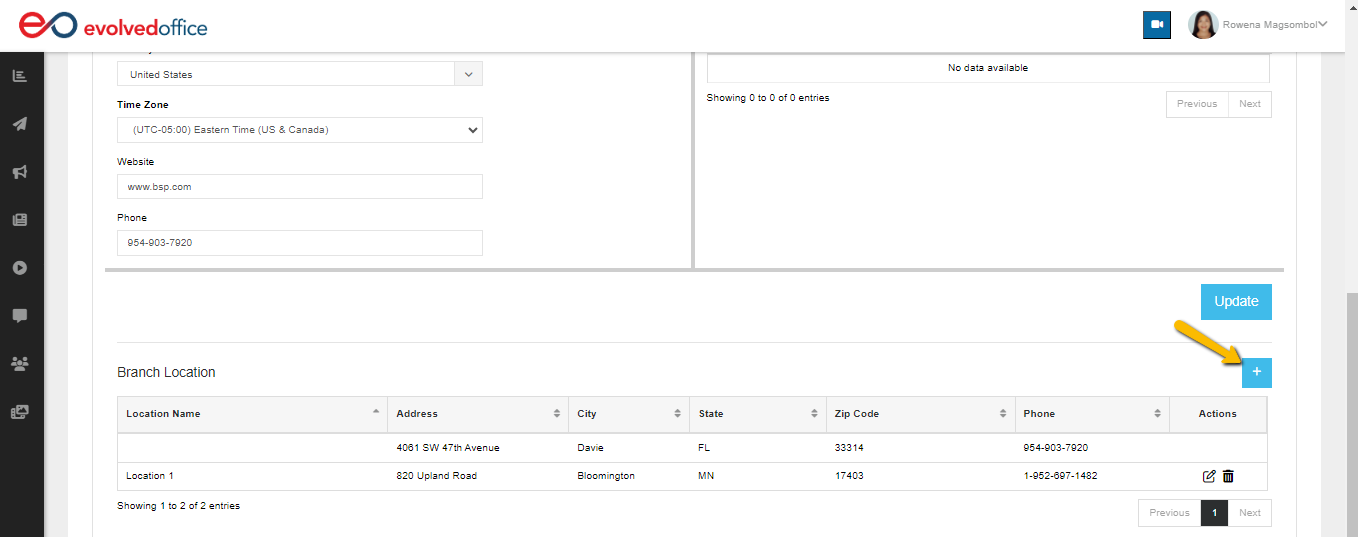
- At the "Company Info" tab, scroll down and click on the blue "+" sign button.
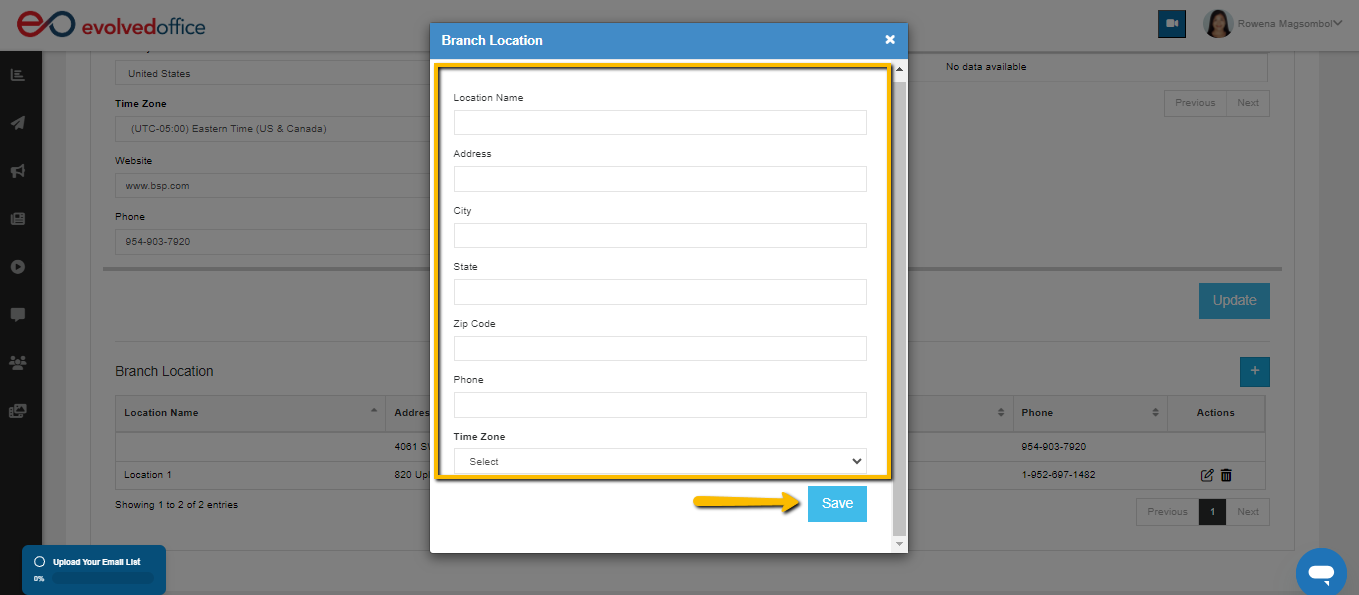
- Fill in the necessary information and hit "Save".