How to Add Your Social Media Profile URLs in Evolved Office (Branding Settings)
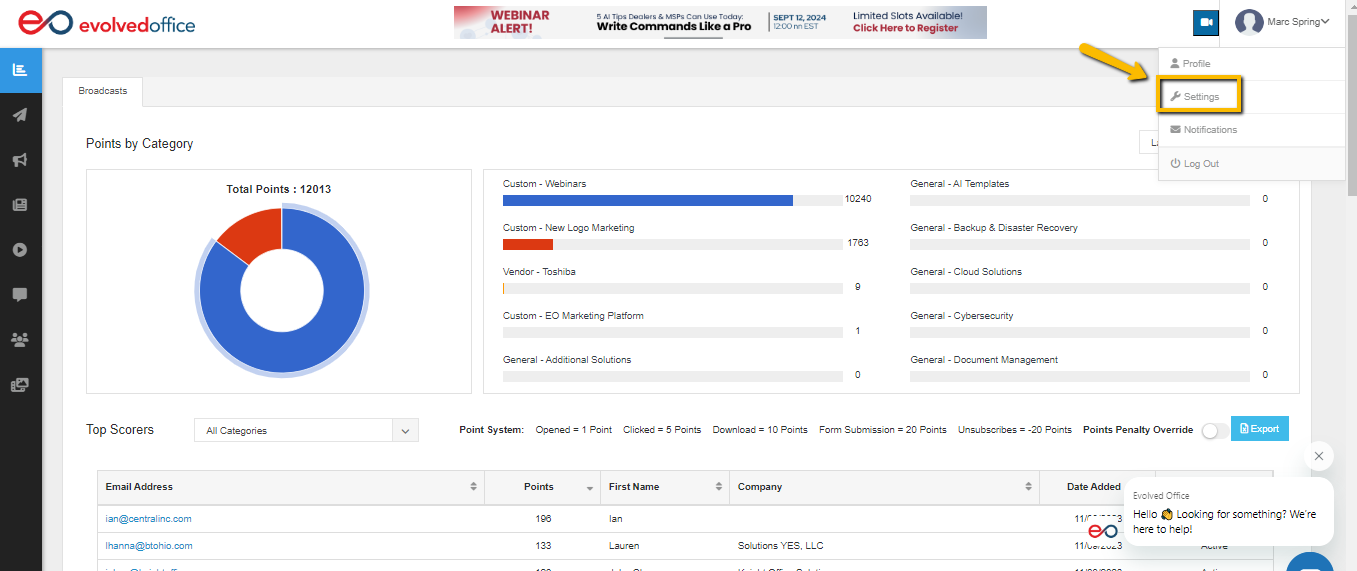
- Using the dropdown menu next to your name at the top right of any page select ‘Settings’.
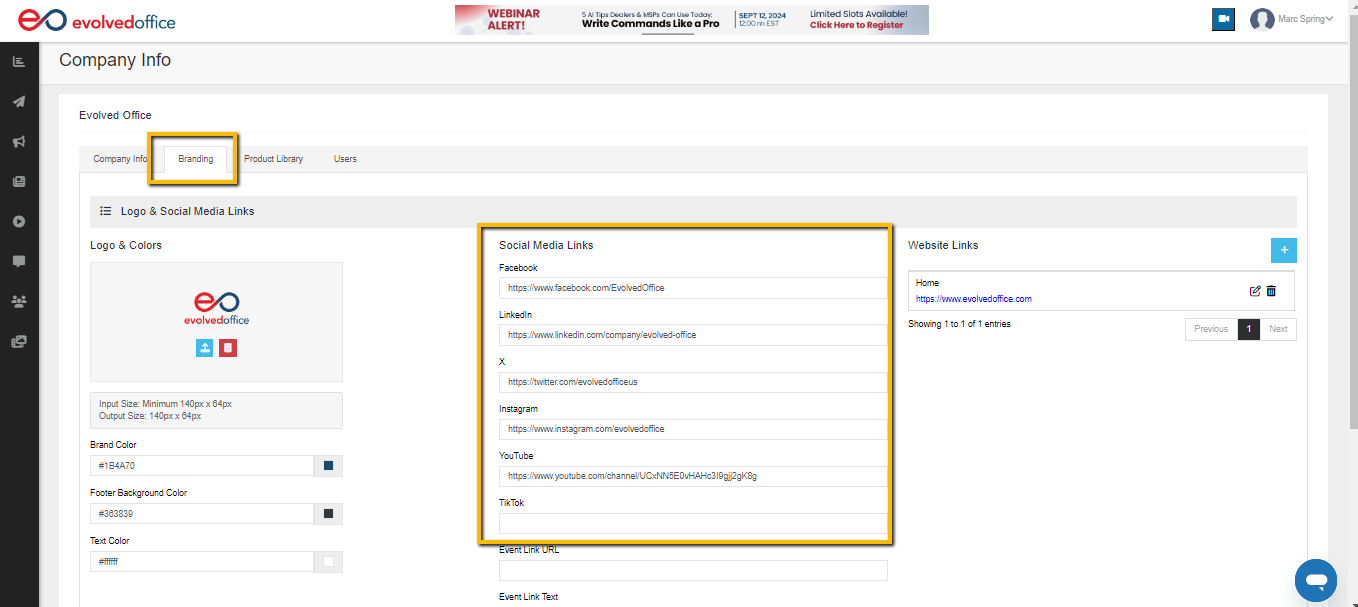
- From the Branding tab, enter the URL for the respective social media platforms then click the blue ‘Update’ button at the bottom.